General renovations and basements
Locate the work areas and show a stage before the walls are closed.
General and specialty contractors
Full renovation or specialty work: bring the images and explanations of a project stage together in a job-site photo report. Share the file by link and keep your usual management tools.
Discuss my projectView a demo file: the current demonstration shows a shower using fictional data.
Working on a different type of project? Tell us your trade and let’s discuss suitable trial terms.
Stages worth documenting
Use these examples to prepare your photos and captions. A software trial for your particular use case can be discussed with us.
Locate the work areas and show a stage before the walls are closed.
Document visible elements before covering them, without treating a photo as confirmation of compliance.
Explain surface preparation, progress or a finish choice that needs discussion.
Identify an exposed area after siding removal and add context to the discussion about next steps.
On the job site
Prepare your photos on site, then add the context your client needs. Your quoting process and management tools stay in place.
You stay in control of the moment: you photograph, you choose the step, you send.

Why use it
Floor preparation, an open wall, an exposed facade: give the images context without turning them into an inspection.
The language stays cautious. It describes what is visible, what is missing in the photos, and what should be confirmed.
RénosVue does not run your jobs, payments or crews. You can add the file link to your software manually.
Select the photos relevant to the project and review their contents before sending the link to the intended recipient.
The deliverable
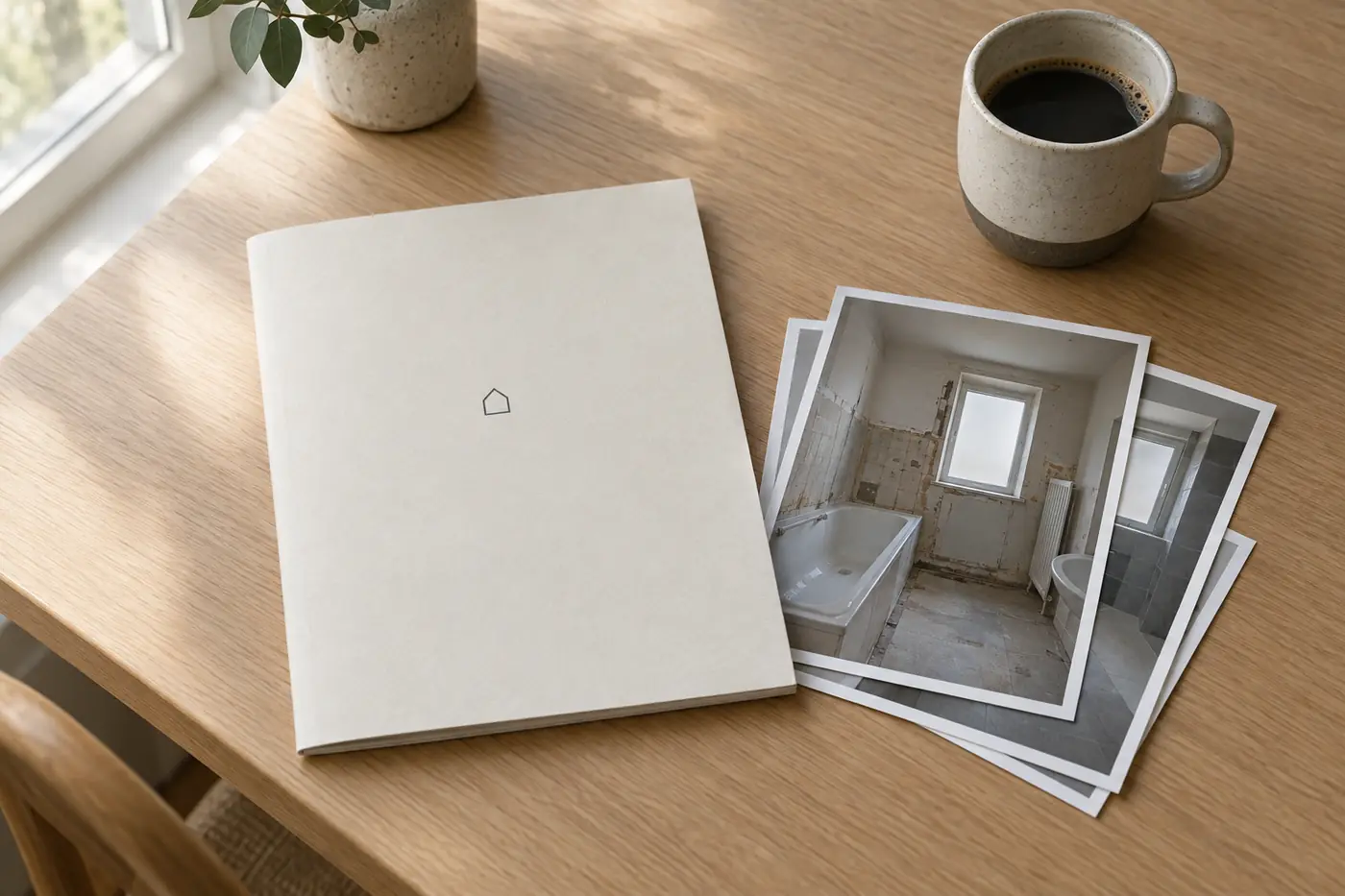
The RénosVue report gathers the photos of a step, a simple explanation, and the limits of what was not visible.
Prepare a photo update before closing a wall, after preparation or at the end of an intervention. Let’s discuss the workflow and terms suited to your trade.
Alongside your CRM
You can copy the RénosVue file link into the job record, like a note. Any future automation will depend on your software and the agreed terms.
Your CRM stays the hub.
Describe your next project, the stage you want to show and what your client needs to understand. We can discuss a possible trial even if your work is unrelated to bathrooms.
Discuss my projectA short form: email and consent are required. Trial terms, including any fees, will be discussed with you.