01
Photograph what will be hidden
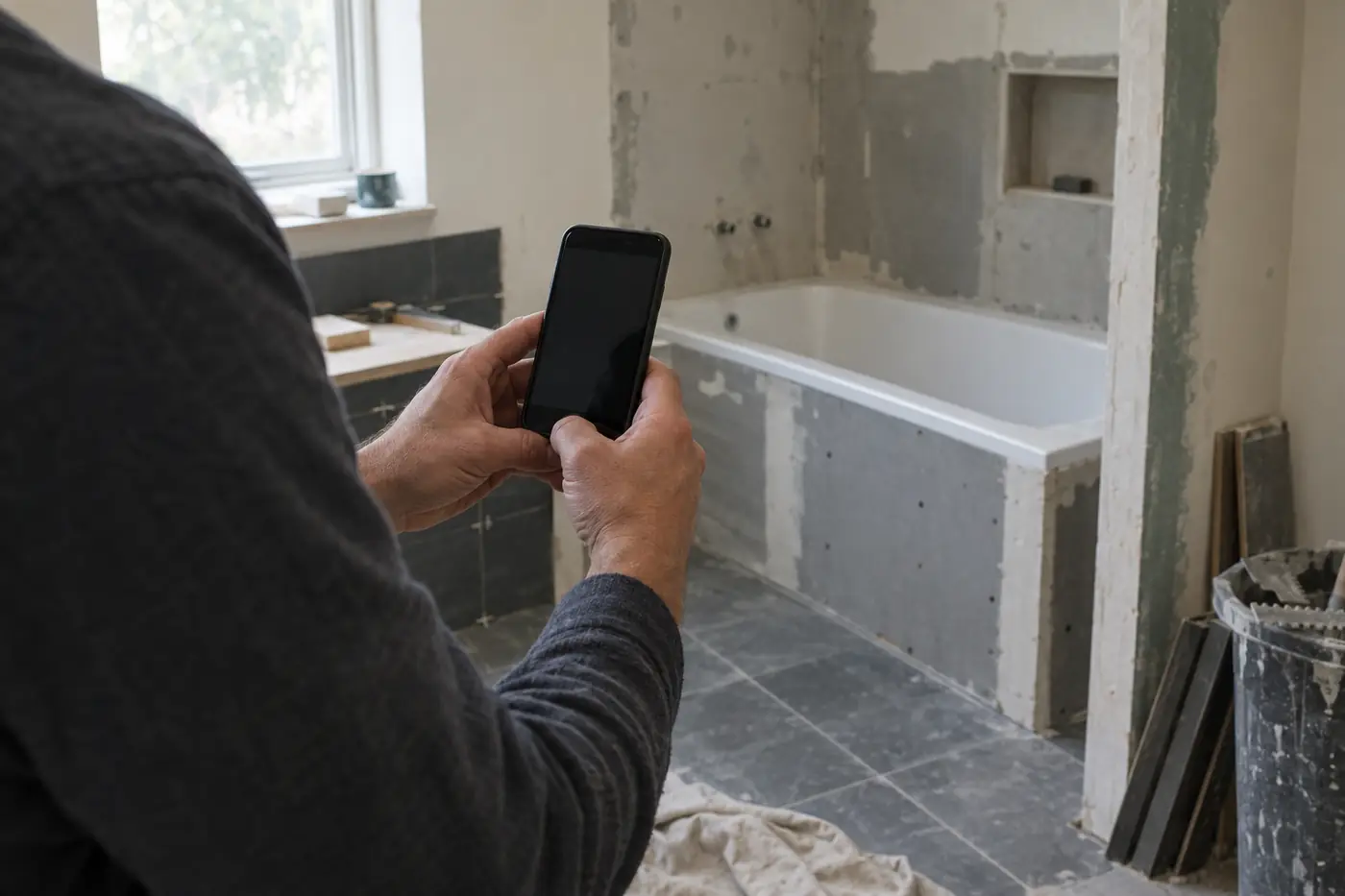
A few sharp photos, at the right moment, from the phone already in your pocket.
General and specialty contractors · Quebec
Walls, floors, siding, kitchens or bathrooms: explain each stage with a job-site photo report. RénosVue brings your photos and explanations together in a file you can share with your client.
Beta by request. The no-account demo shows a shower with fictional data. Working in another trade? Let’s discuss your project and trial terms.

The problem
A closed wall, a finished floor, new siding: part of the work is no longer visible. Without context, clients can find it difficult to understand the steps behind the finish.
Instead of leaving the images on your phone, collect the useful views and their context in a file you can review together.

The solution
01
A few sharp photos, at the right moment, from the phone already in your pocket.
02
Name the area and the stage: before closing a wall, during preparation or at the end of an intervention.
03
Describe what is visible and the point to discuss, without unnecessary jargon or conclusions the photo cannot support.
04
A link to the photos and their explanations to support your conversation with the client.
Who it is for
RénosVue is not a CRM or an inspection tool. It explains the job in pictures. You can copy the client link into your management software’s job record.
Whether you coordinate a renovation or handle one specific stage, choose the photos and explanations that matter to the client. Tell us about your use case to discuss a suitable trial.
Alongside your CRM
Copy the RénosVue file link into your job record. Automation options are to be discussed; no native CRM connection is announced.
Add the link to your job record.
What changes
Each photo comes with a simple note on what was done and why that step matters.
Give the client a clear reference: the area photographed, the current stage and the point to clarify at your next conversation.
Keep your management software. Copy the visual-file link into it to find the photos and explanations.
RénosVue documents and explains. It does not declare compliance and it does not assign blame.
Your trade, your stages
Walls and insulation, kitchens and floors, siding or bathrooms: explore sample captions and a structure you can copy without signing up.
View the French templateOne shared need: explain what you do.
Trial list
General or specialty contractor? Leave your email to discuss your needs and a possible trial. Availability, terms and any fees will be discussed with you.
RénosVue is a communication and visual documentation tool. It is not an inspection, a compliance certification, or a professional opinion.